How to link a Tool to Console
note
-
Navigate to
/api/admin/console_backend/tool/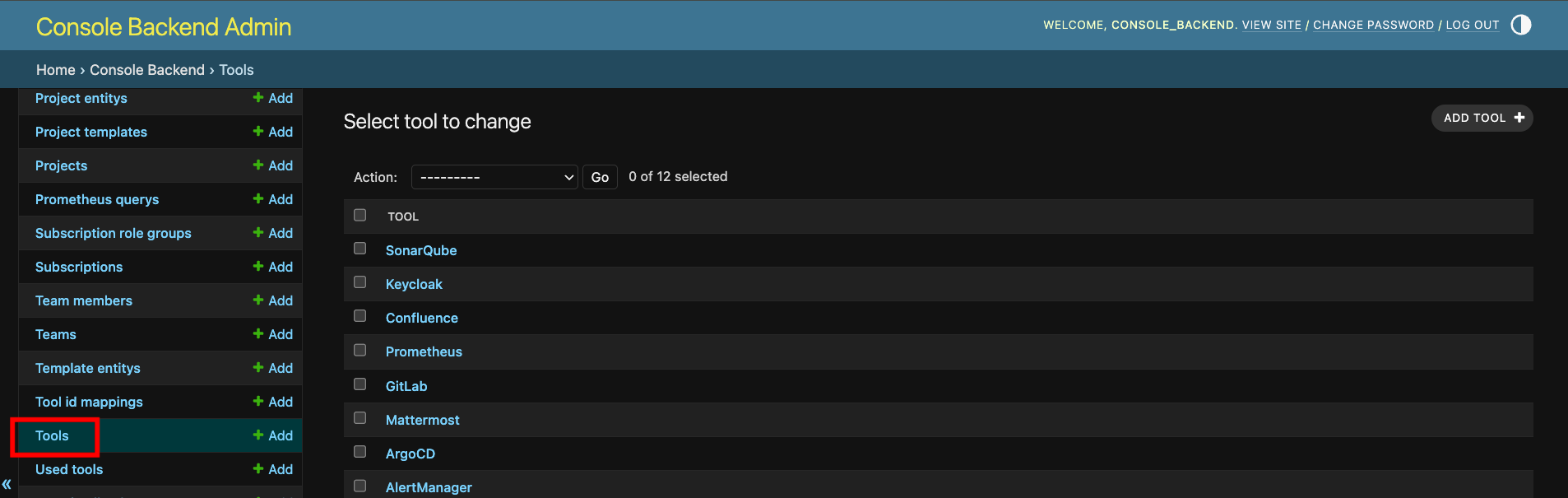
-
Find and click on the Tool object you need to link.
Example:
Grafana -
Change the
Base urlfield to the public facing URL for your Tool instance.Example:
https://grafana.smoothglue.io/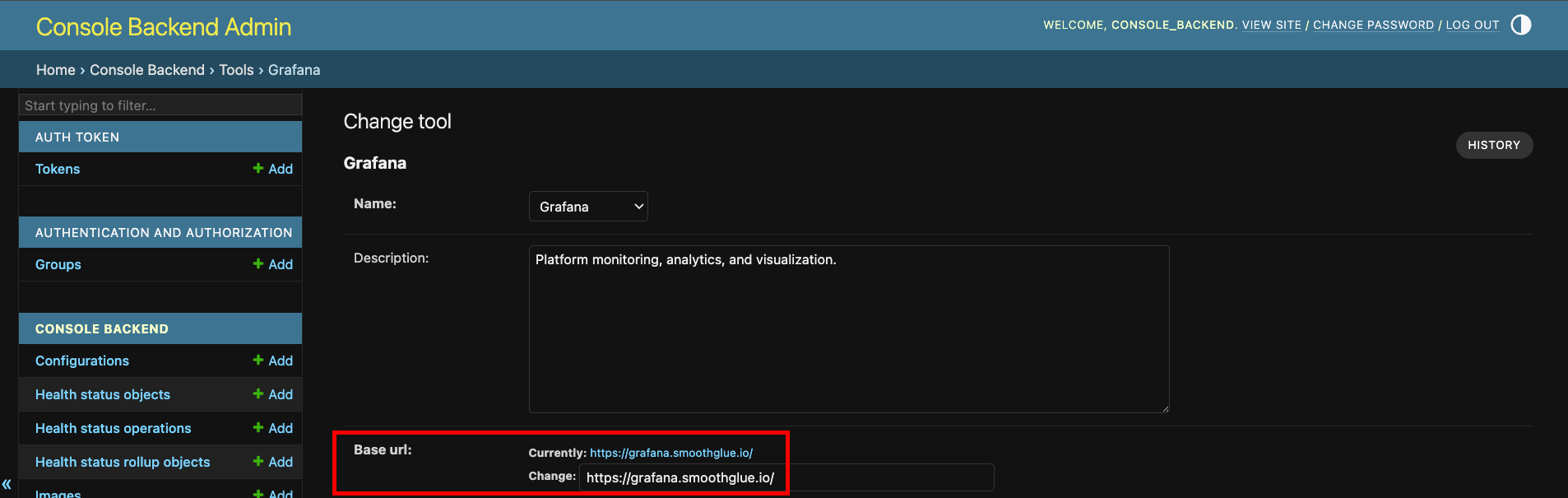
-
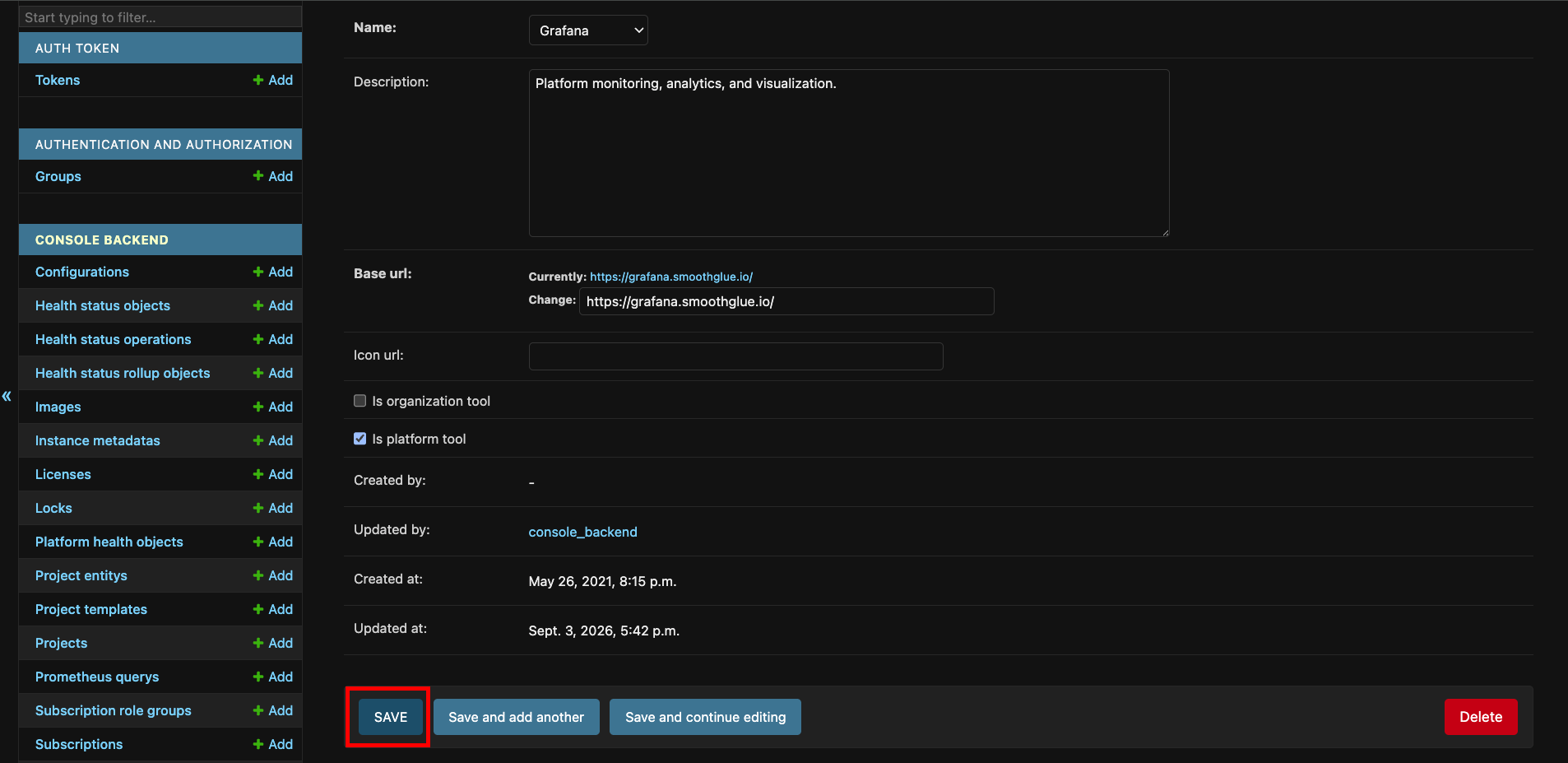
Click
Saveat the bottom of the form