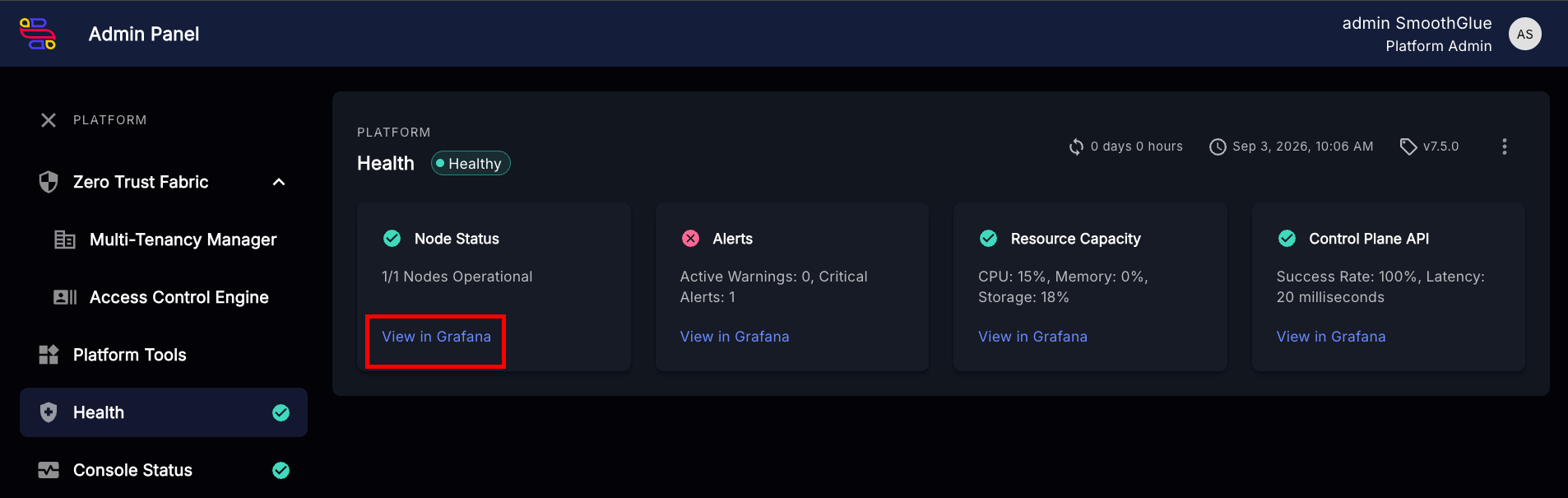
How to link a Grafana dashboard to Console
note
-
Navigate to
Health status rollup objectsin Console API Admin:/api/admin/console_backend/healthstatusrollupobject/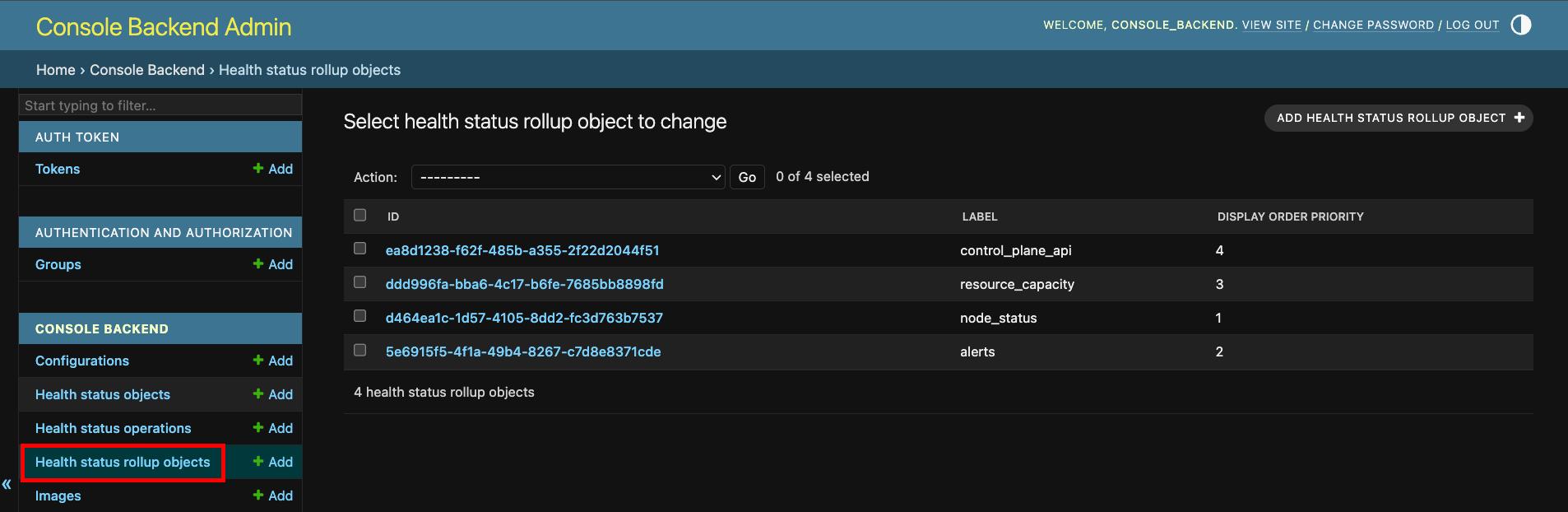
-
Find and click the object that corresponds to the metric you want to edit.
Example: "Node Status" uses the
node_statuslabel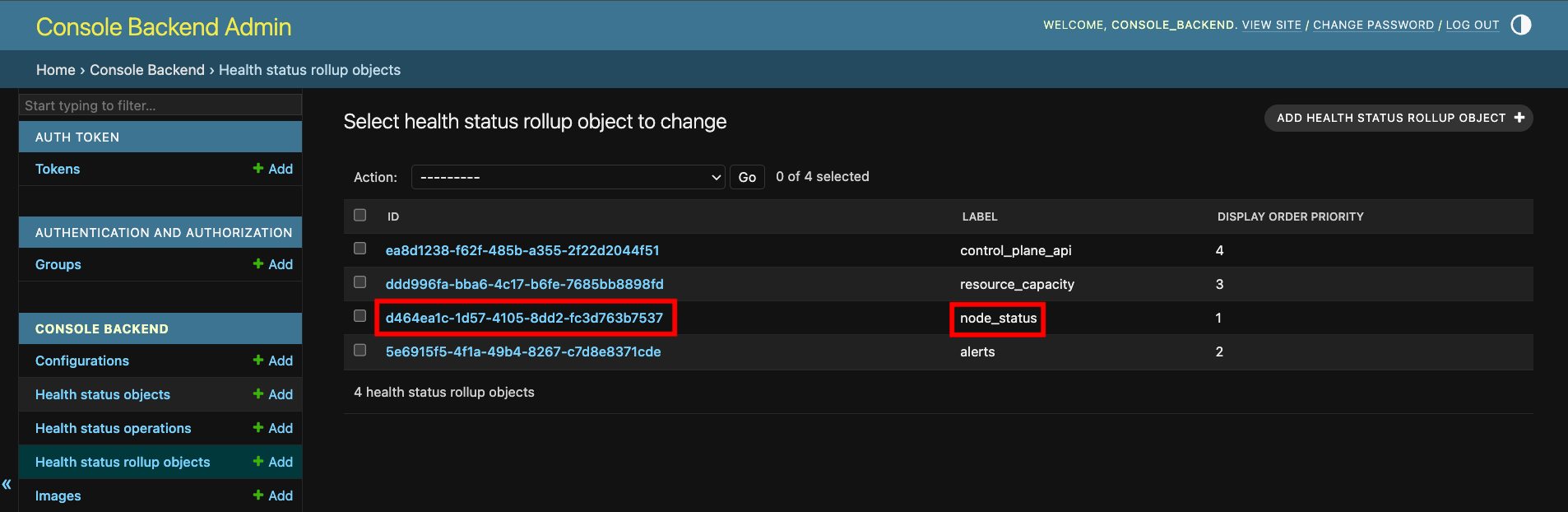
-
Find and change the field
Grafana urlto the full URL of theGrafanadashboard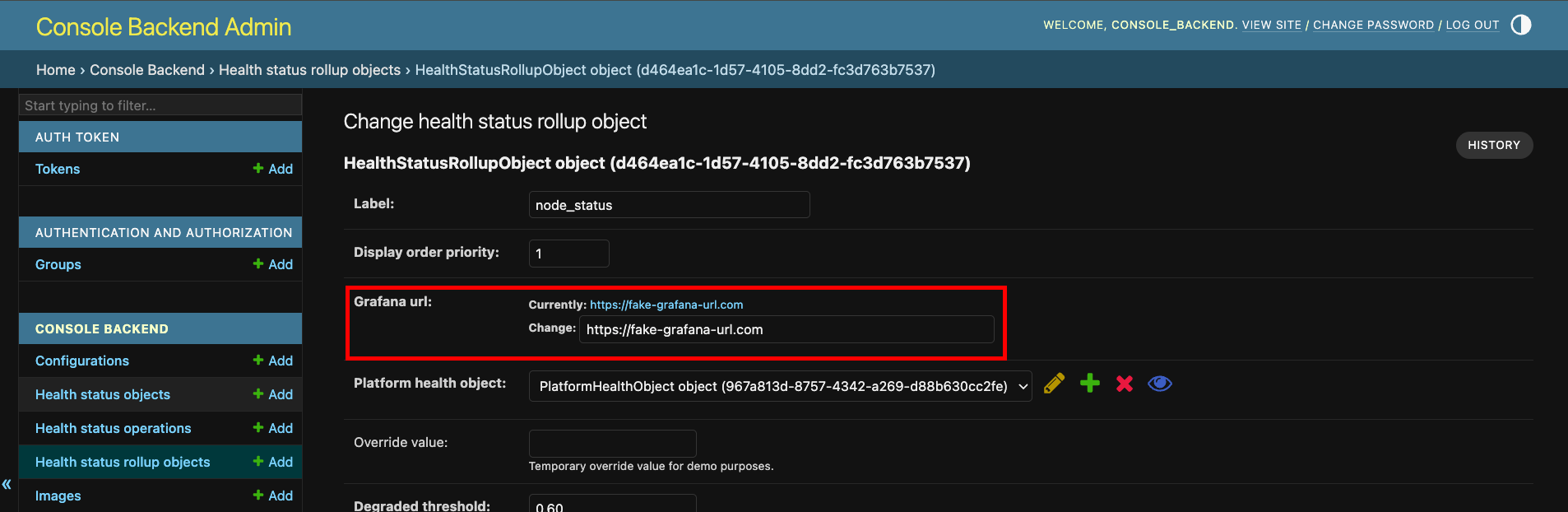
-
Click
Save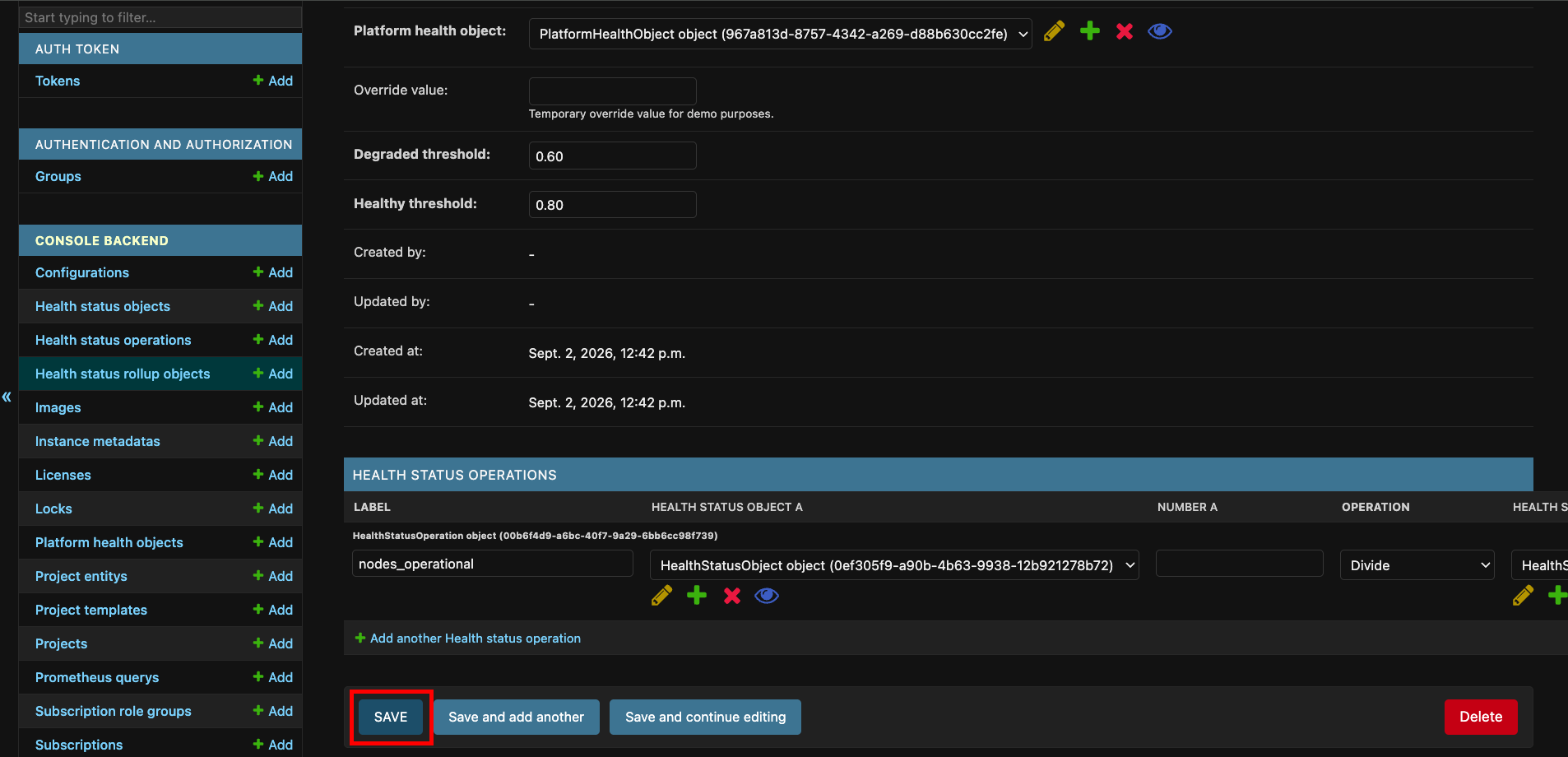
-
Navigate to the
ConsolePlatform Health Dashboard:/platform-admin/platform-health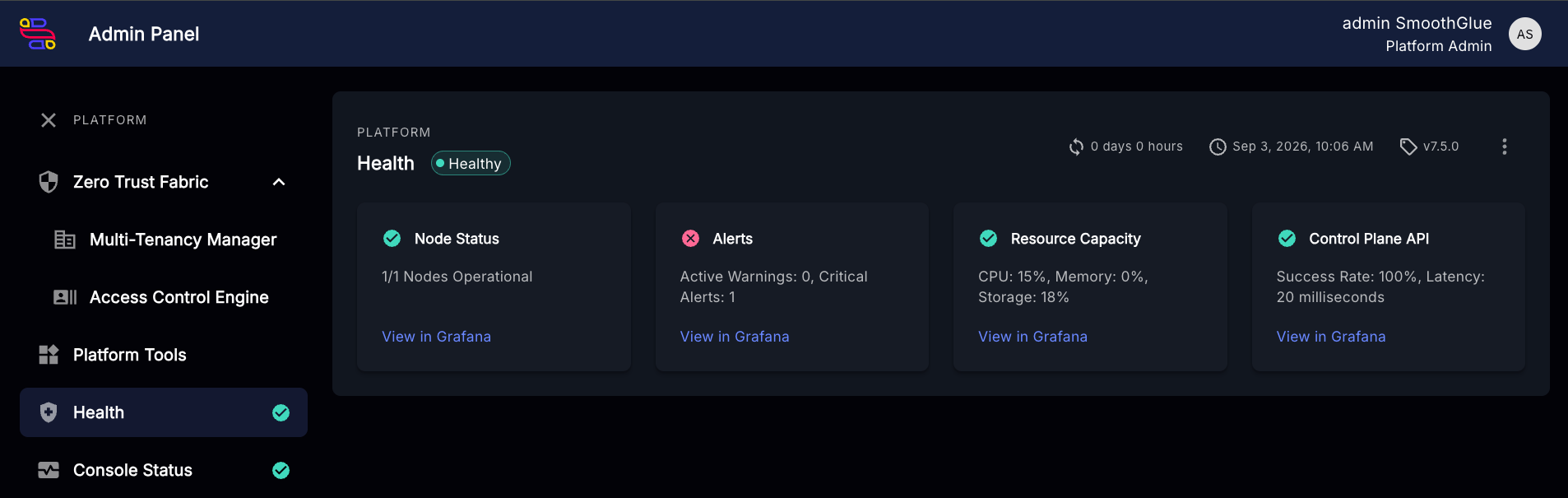
-
Test the link by clicking
View in Grafana